Convert existing LaTeX documents into accessible formats with PreTeXt.Plus
PreTeXt.Plus is helpful with converting existing LaTeX documents into accessible formats.
Converting existing LaTeX documents
- Register a new account and sign in.
- Under "Projects Dashboard", select "+ New Project".
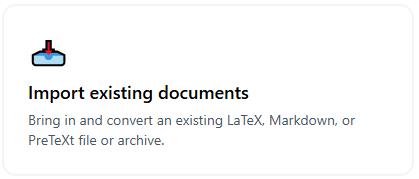
- Select "Import existing documents" in the next screen.
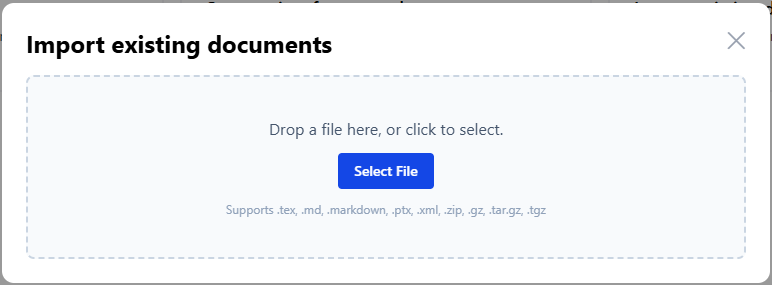
- Upload the LaTeX source document that you would like to convert.
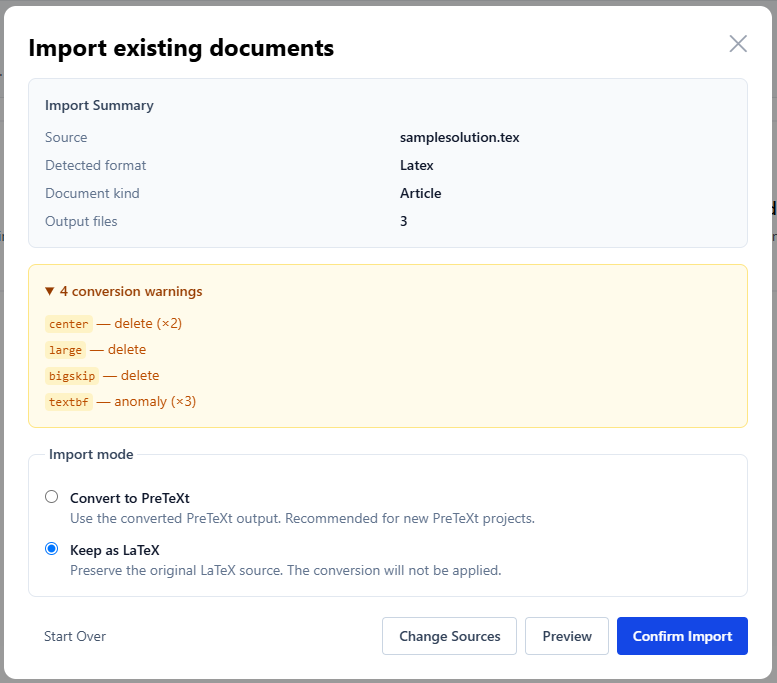
- Once the LaTeX source is uploaded, PreTeXt.Plus will comb through the document and try to convert into accessible HTML format as much as possible. A few conversion warnings may pop up—most of them are about LaTeX commands that concerns more about aesthetics and less about contents. You can further clean them up in the next step. But here, it is important to select "Keep as LaTeX" and then "Confirm Import".
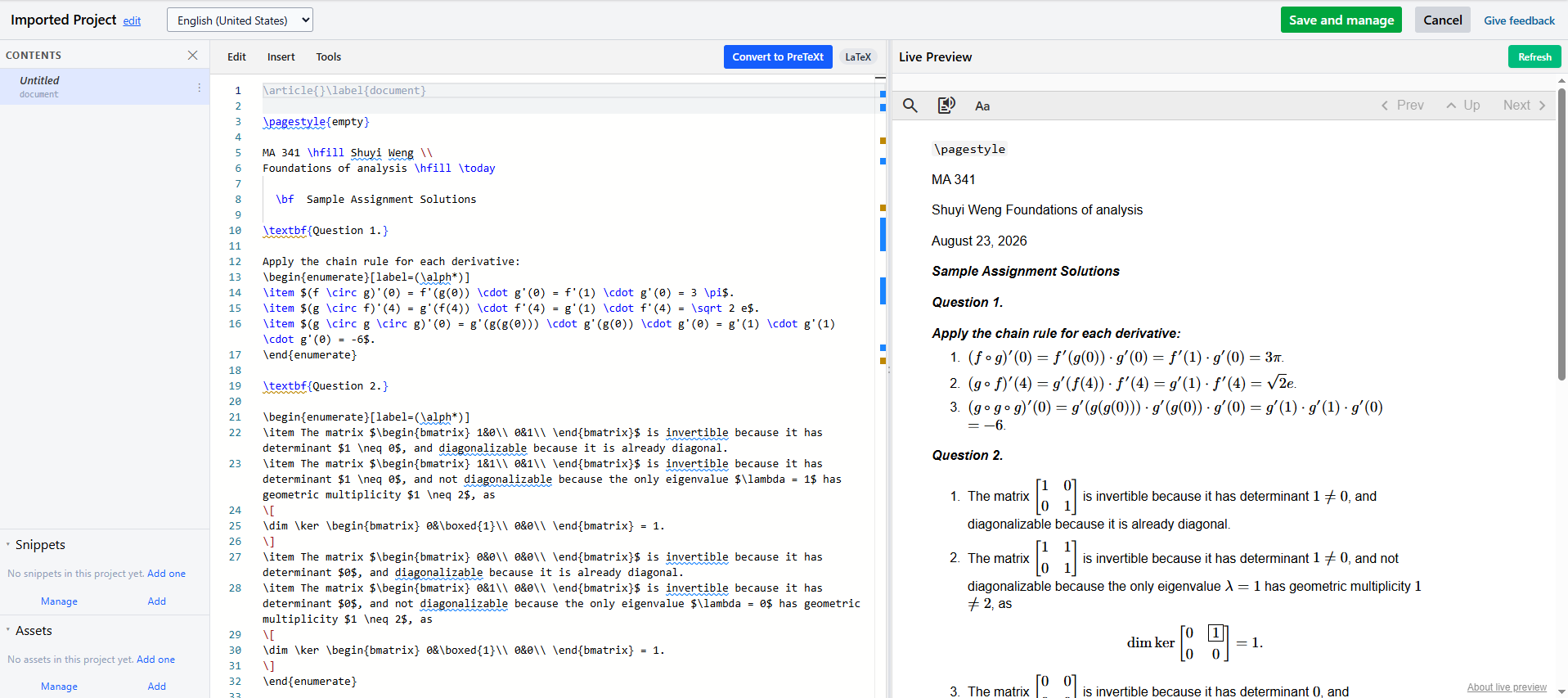
- An Overleaf-style interface with converted document will show up in the next screen. For simple documents, the conversion result would be almost ready for publishing if you do not care about aesthetics (which you don't need to for accessibility purposes).
Publishing a document
- Once you have finished editing the document in the same way you would for a LaTeX document, you may select "Save and manage" on the top right hand side of the screen, and then "Build" your project in the next screen.

- A (private) preview will be available once the Build complete. You may toggle "Publish" to make the website public.

- A public link to the website containing the converted LaTeX document can be pasted to Brightspace to share with students. Alternatively, you may also embed the entire website in a Brightspace page using the <iframe> command. Note that the readability setting can be adjusted for larger font face, and the contents can be read aloud, all within the same page.
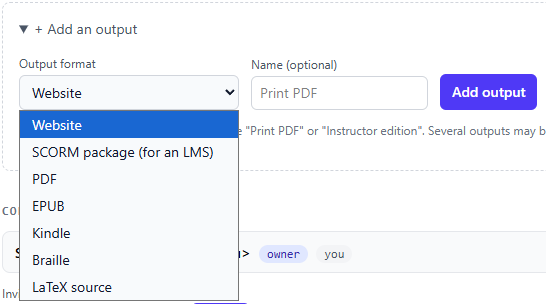
- If needed, you may "Add an output" for additional formats of the document, including PDF, EPUB, and Braille-ready format!
Editing a document
- If you make an edit to a project after a Build, the system will toggle the project as "Out of date". You need to "Rebuild" to update the content.

Potential limitations
- PreTeXt.Plus is hosted by an external website. If you are uncomfortable with that, you may convert a document, download it, and then delete the project. You may then host the converted website on your own page.
- For the free version, there are limits on the total number of output formats, the number of assets (figures, documents, etc.) per project, and the number of collaborators.