Xiangxiong Zhang
Tip #1: The default choice in ChatGPT/Claude is NOT the frontier model. Select (1) the best model and (2) max level of reasoning effort.
Tip #2: by my own experience, ChatGPT Astra > Claude Fable > Other models.
Here is my talk at Purdue College of Engineering ThinkAI Initiative Workshop on June 9, 2026.
One key takeaway: I can use AI very effectively for research problems in areas where I already understand the mathematics, literature, and computational methods. Outside my knowledge domain, AI is still useful, but primarily as a tool for accelerating learning. The question is no longer whether AI can help us. The real question is who can use AI well. My answer remains the same: the people who learn well.
Note: The following examples were created in Jan/Feb 2026. AI tools have evolved so rapidly that info here are completely outdated, i.e., these examples are definitely NOT the most effective way to use AI tools for the specific tasks considered. Nonetheless, they can serve as a quick demo for beginners.
Be cautious with AI agent tools – they can read, modify, and delete files, run code, and access the internet on your behalf.
Free tiers of AI tools are deliberately limited and do not represent what the technology can actually do. To evaluate AI fairly, it is worth trying the full version ($20/month for most tools) – the difference could be substantial.
AI agents not only go beyond chatbots by autonomously executing multi-step (e.g., reading and editing files, running code, and searching web), but also provide a much more reliable way to make advanced large language model useful for many tasks robustly. They make working with AI more efficient and automated, requiring less manual back-and-forth. Representative AI agent tools include Claude Code by Anthropic, Codex by OpenAI , and also Antigravity by Google.
Disclaimer: The examples below show how I have started using Claude Code in my own workflow. Many of these are certainly not the best or most efficient way to use the tool, but they serve as a practical starting point for beginners to see how AI agents can be useful in everyday academic work.
Common misconceptions: (1) Some people (especially young people and students) see the word "Code" in Claude Code and assume it is only a coding tool, but it is far more than that. (2) People who don't write code at all naturally assume Claude Code is irrelevant to their work. In fact, I have been using Claude Code the same way I use LaTeX, Word, and Zoom as an everyday tool. Much of my work on the computer, whether it involves coding or not, whether it is for teaching, research, or any other task, is now greatly expedited by Claude Code.
- Example A: I used Claude Code to create this page and this search tool for teaching schedule, despite knowing nothing about Python or HTML for scraping and querying data. The point is that AI agents can expand your domain of capability – you can build things that would have been outside your skill set entirely.
- Example B: Zoom recording for a brief introduction to using an AI agent (Claude Code) for daily work such as teaching and research, illustrated through a few concrete examples. The MATLAB codes generated by the AI shown in the recording above can be accessed here. Please use it with caution because there are no guarantees, although the code should run without errors.
- Example C: Watch this Zoom Recording (21 min) to see how I built a slash command in Claude Code so that one command + a name automatically does three things: 1. generate a PDF offer letter; 2. write an HTML email preserving font style and links; 3. update the excel file. I know nothing about bash scripts, but the AI agent handled that part – this is another example of expanding capability rather than just saving time.
- Example D: Notice that agent tools can automate many daily tasks, e.g., each entry on this webpage was generated by one slash command (skill) in Claude Code. MCP (Model Context Protocol) is a more consistent and precise way to achieve similar effect, and each entry on this webpage was generated by a skill invoking an MCP in Claude Code.
-
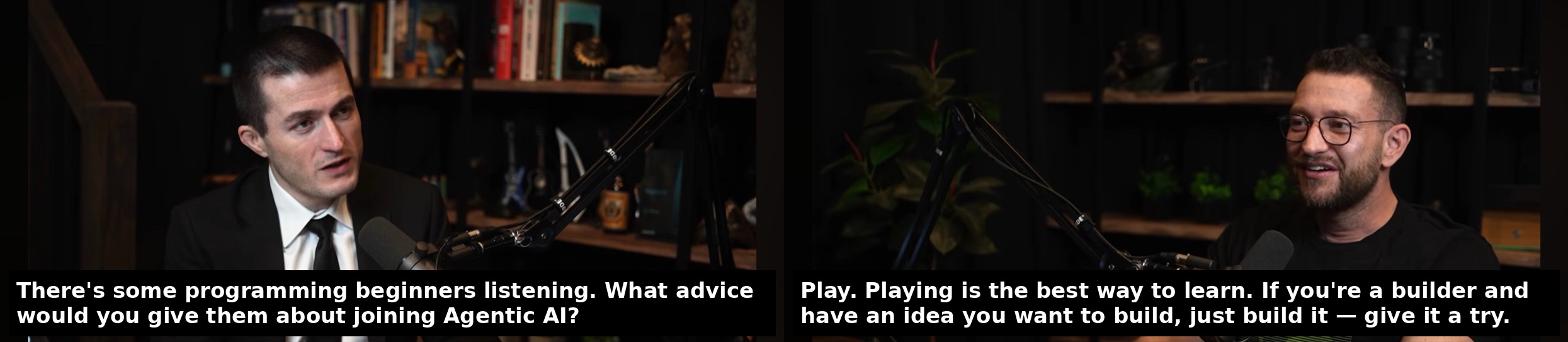
“Just play and build something.” — Peter Steinberger, creator of OpenClaw, on getting started with AI
- Boris Cherny, Creator of Claude Code, on evolution of coding